Everything Crater does.
Scripture, songs, media and slides, with the screens and the stream around them. All of it free.
Scripture
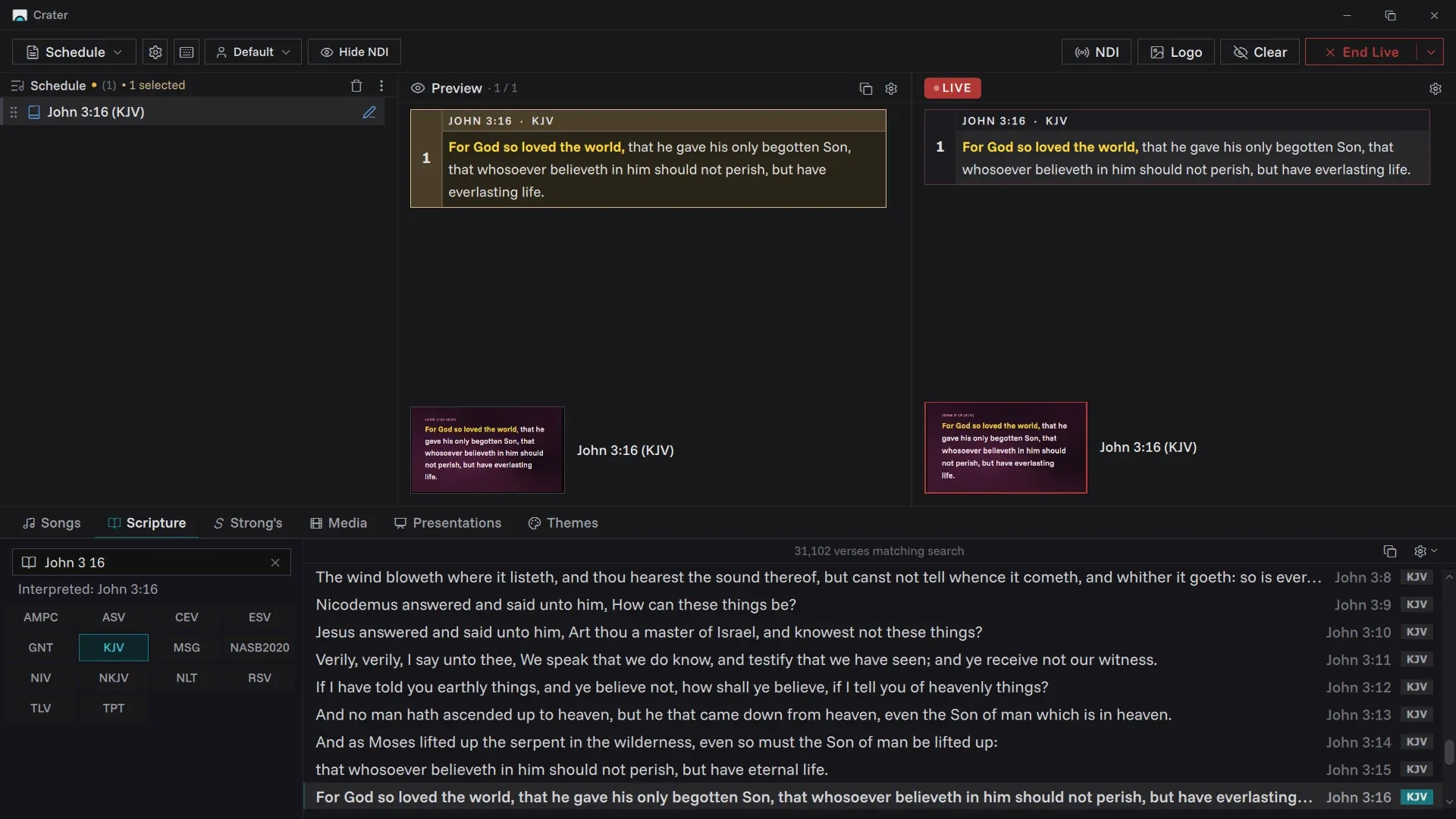
Find any verse in seconds, whether you know the reference or only remember a few words.
- Fourteen English translations included: AMPC, ASV, CEV, ESV, GNT, KJV, MSG, NASB2020, NIV, NKJV, NLT, RSV, TLV and TPT.
- Type "jn 3 16", "1 cor 13 4" or "ps 23" and Crater goes straight there. Small spelling mistakes are fine.
- Search by the words you remember when the reference slips your mind.
- Ranges like "John 3:16-18" select together, and "jn 3:16 niv" switches translation as you type.
Strong's
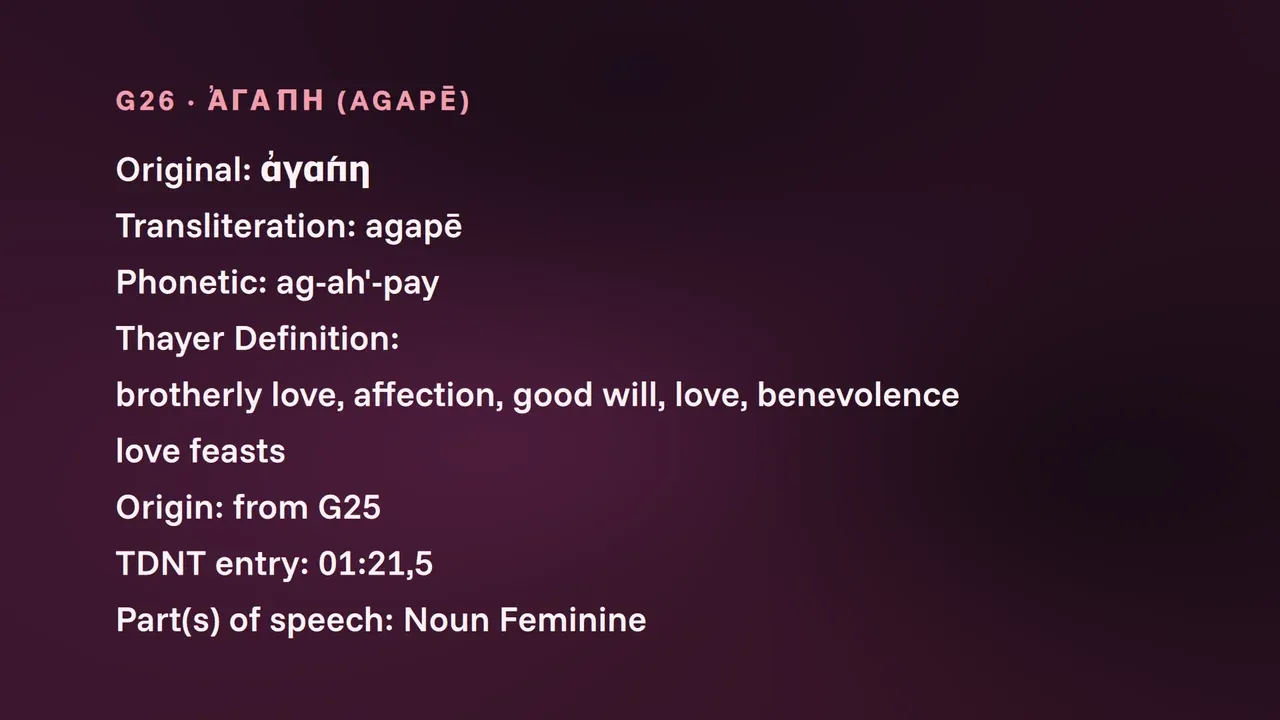
Word studies without leaving the console.
- All 14,700 Strong's entries, Hebrew and Greek, with the original word, transliteration and definition.
- A King James reader with each tagged word linked to its number.
- Put a definition on the screen when the sermon turns on a word.
Songs
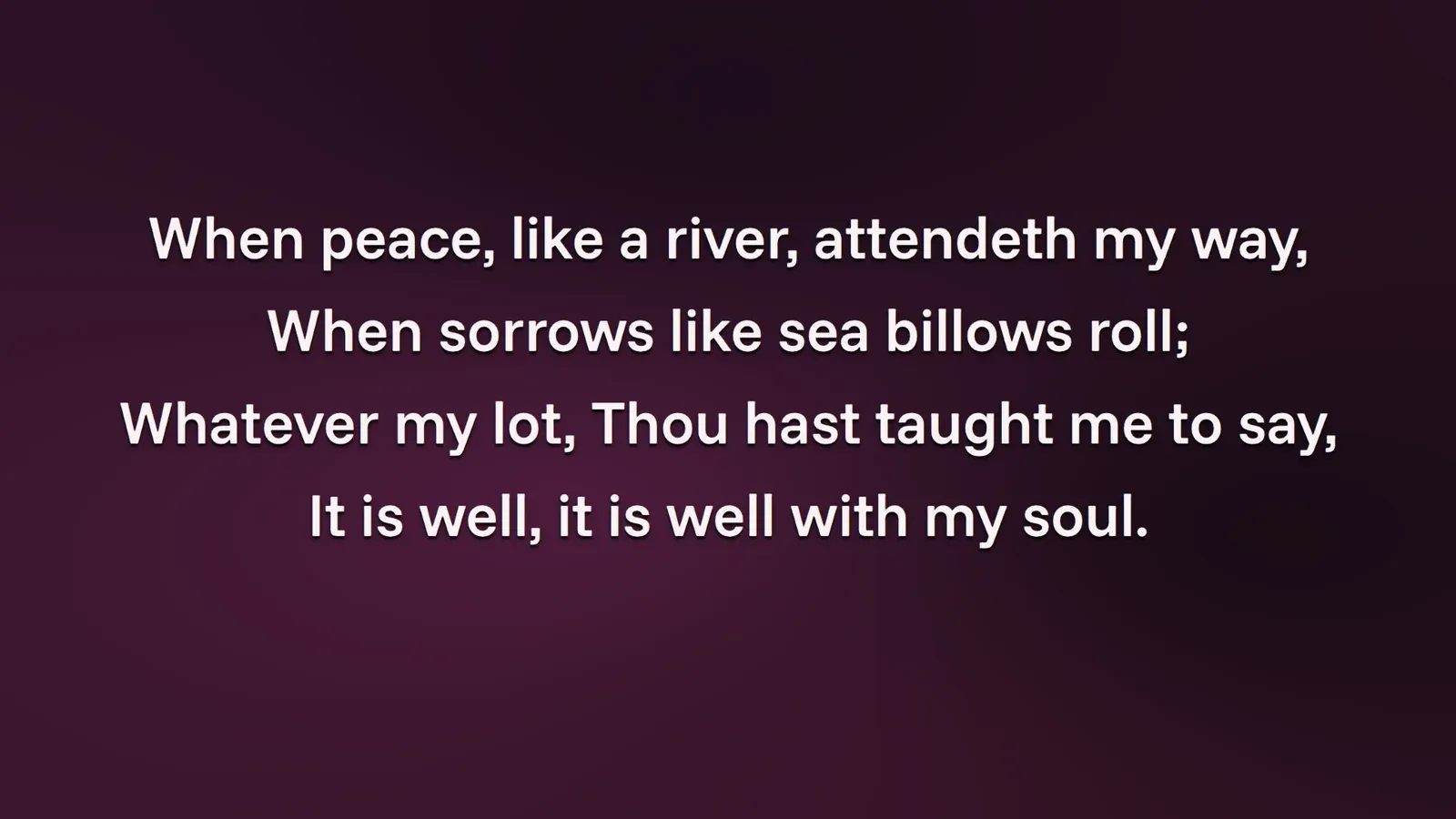
Your church's song library, ready verse by verse.
- Each section of a song is its own slide, labelled with its name, so a repeated chorus is one click away.
- Favourites and collections keep this season's songs close.
- Bold, italic, underline and colour on any words in a lyric.
- Change a song for one service only and the library copy stays as it was.
- Bring your songs across from EasyWorship 6 and 7, with authors, copyright and CCLI numbers.
Media
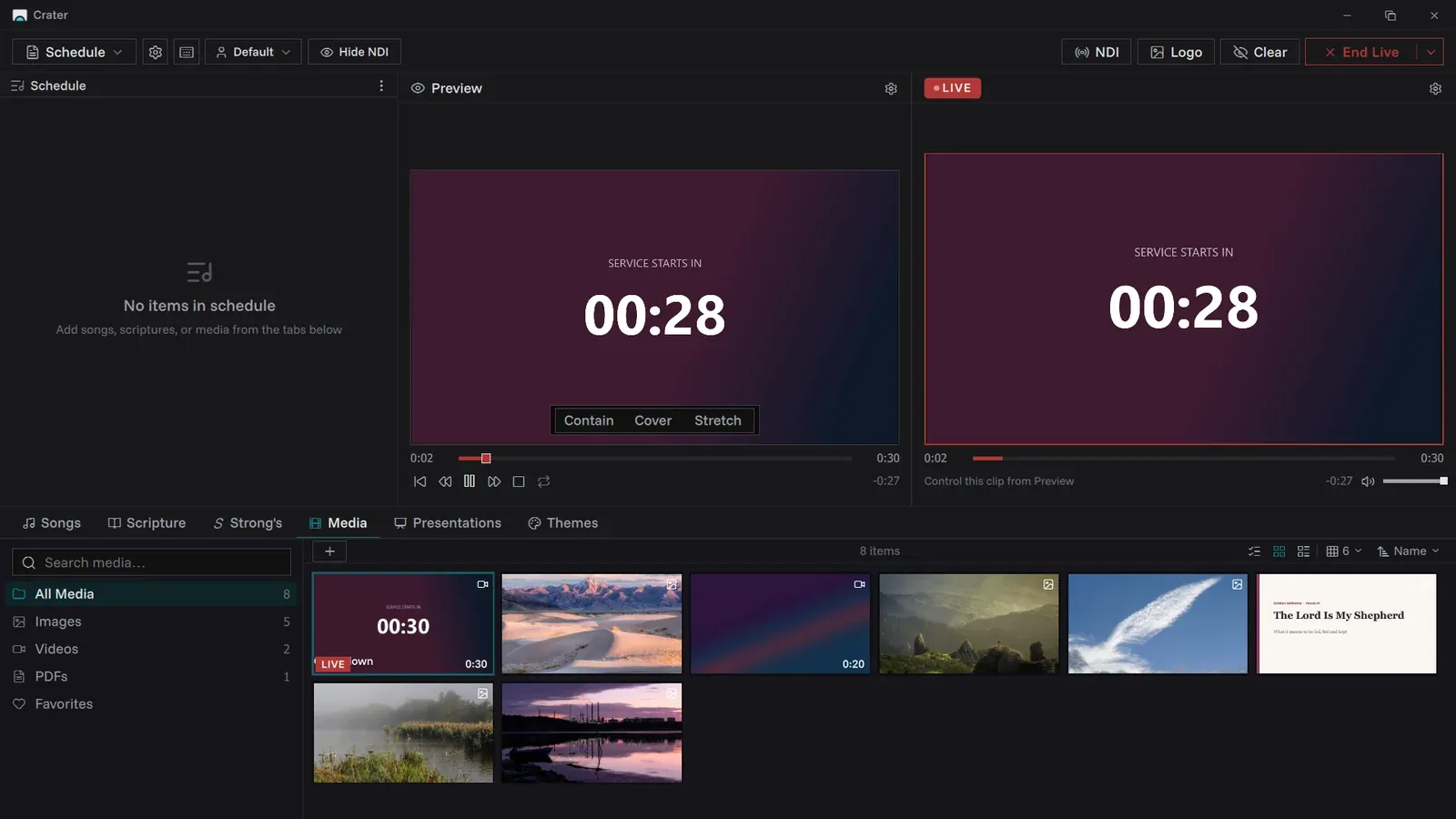
Announcement slides, countdown videos, sermon illustrations and backgrounds.
- Pictures in PNG, JPEG, GIF, BMP and WebP. Videos in MP4, MOV, M4V, WebM, MKV and AVI.
- PDFs too, with each page becoming a slide.
- Fit, crop, loop and mute for each item.
- Your church logo one shortcut away, for the moments between.
Sermon slides
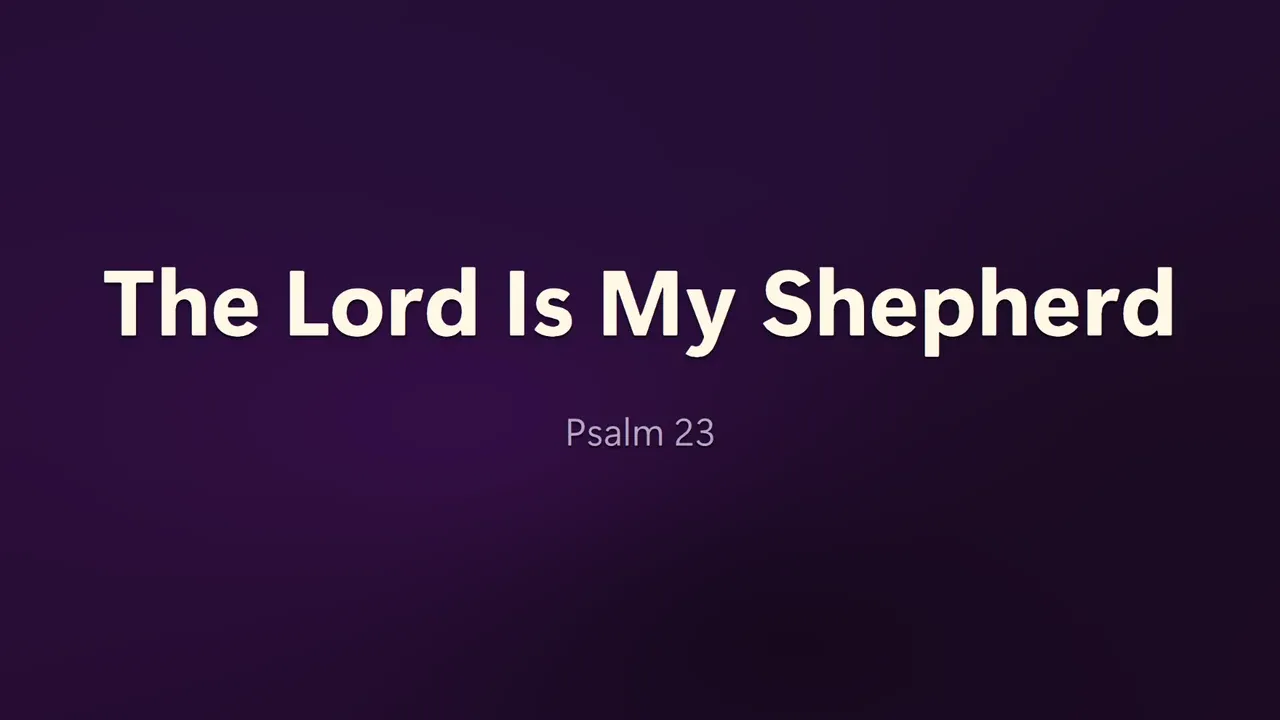
Write the deck in Crater. The room sees the slides and the preacher sees the notes.
- Slide designs for a title, a section divider, title and content, two columns, a quote, a full picture or a blank slide.
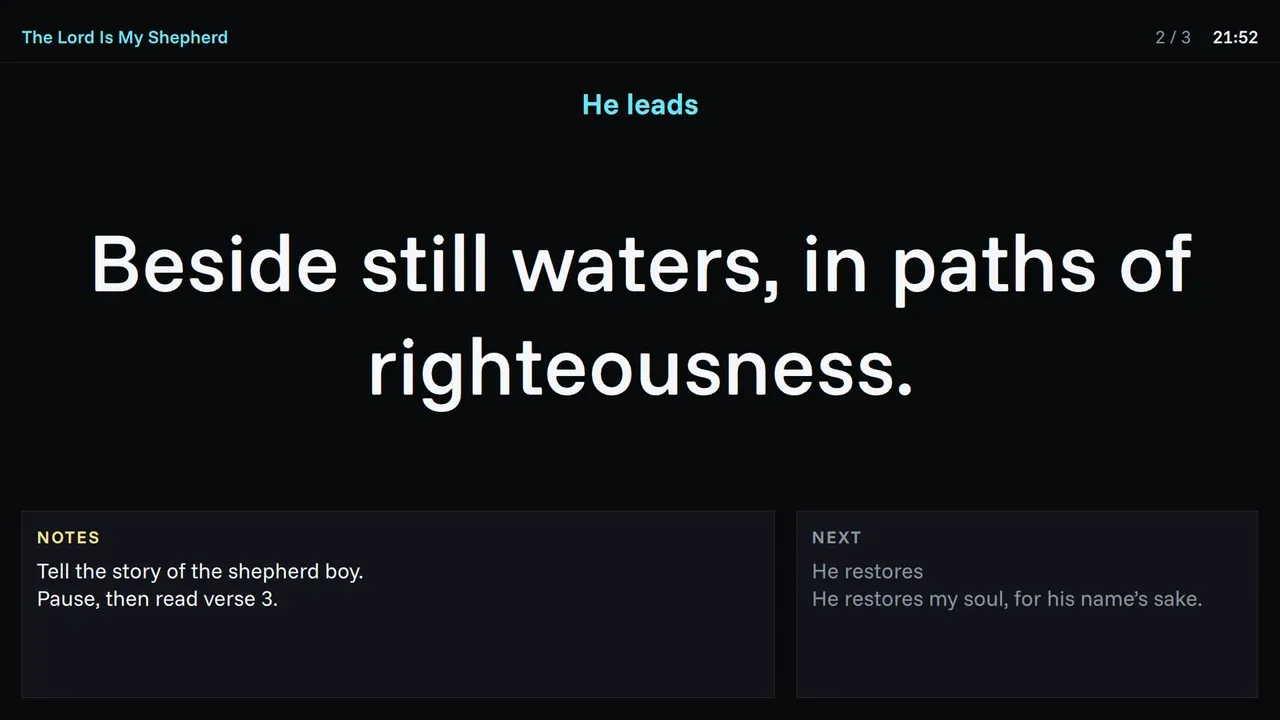
- Speaker notes that show on the stage monitor and never on the congregation's screen.
Order of service
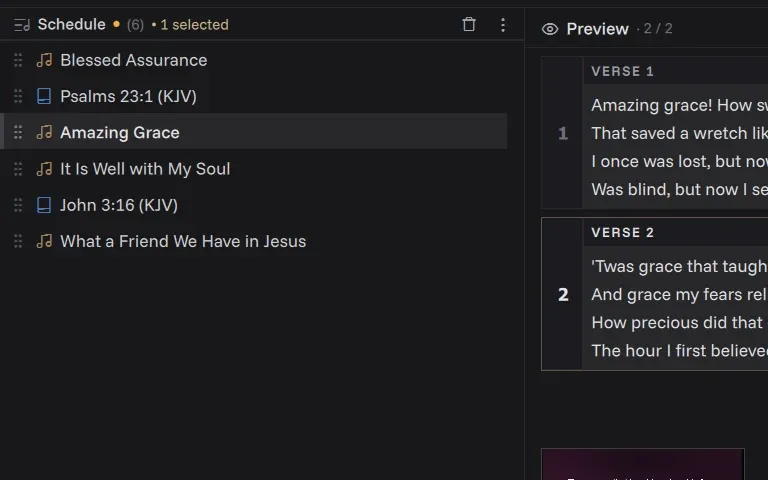
Plan it in the week and run it on Sunday.
- Songs, readings, media and slides in one list, in the order you'll use them.
- Drag to reorder. It saves itself a few seconds after every change.
- Keep schedules for later and load them again.
Screens
One screen works. Add more as the room needs them.
- A stage monitor for the platform, with the words large, speaker notes, what's next and a clock.
- Mirror screens for a lobby TV or overflow room, each with its own theme.
- Transitions from instant to a slow one second fade.
- Cast the live screen to a TV or phone browser on the same network, with no cable.
- With one display, the projection can sit full size behind the console while you prepare at home.
Streaming
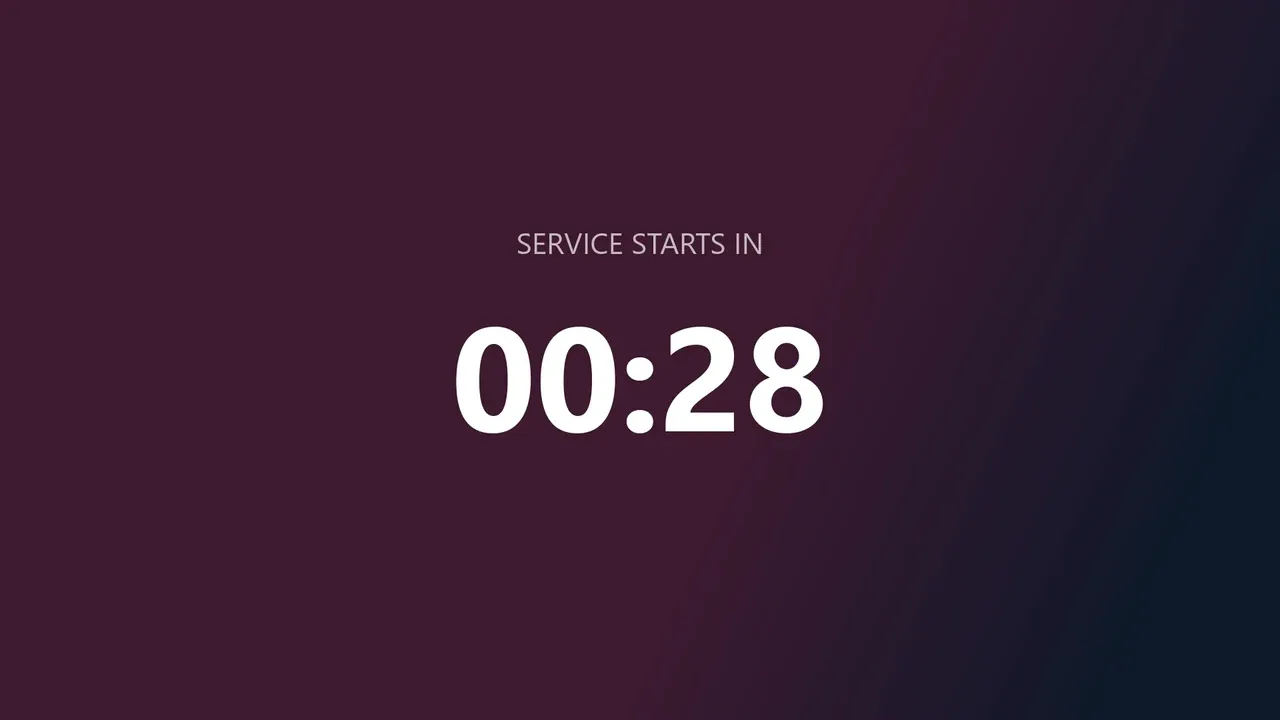
Send the screen into OBS, vMix or Streamlabs over NDI on Windows. No capture card.
- Streams even with no projector attached.
- Give the stream its own look, like a lower third.
- Hide pictures and video on the stream while lyrics and scripture still go out.
- An on-demand mode for slow laptops that only sends a frame when something changes.
Themes
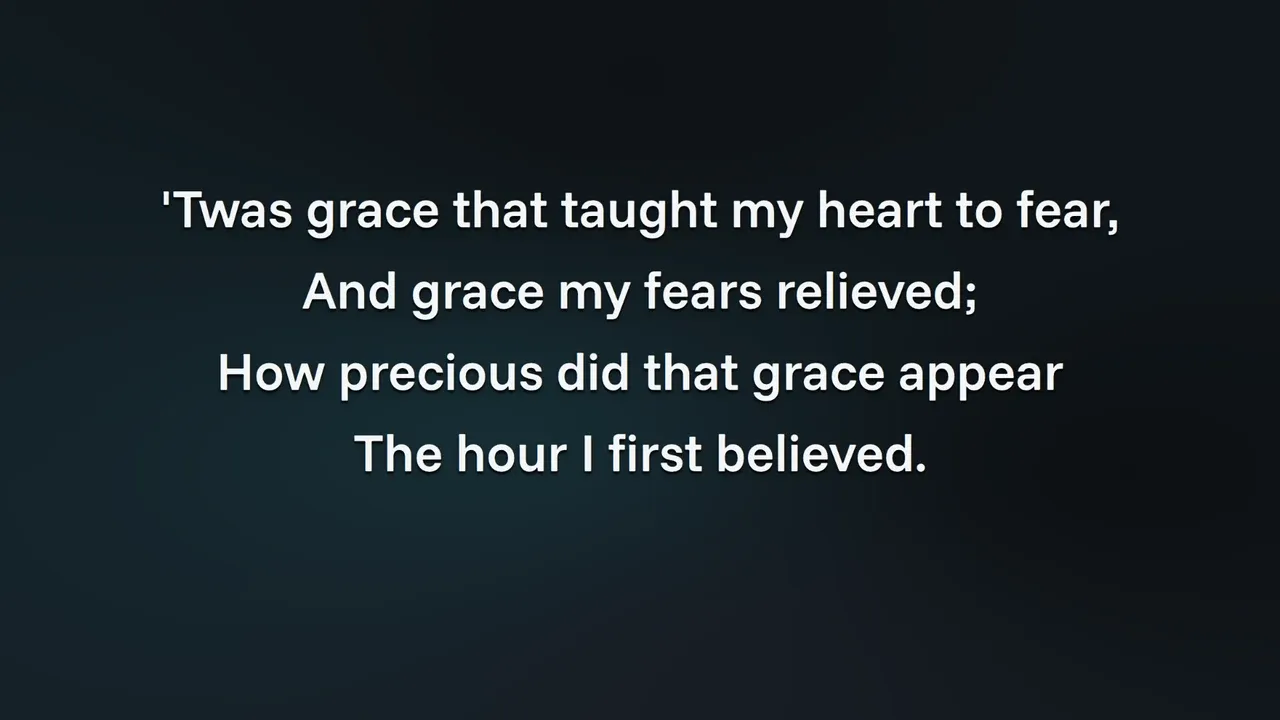
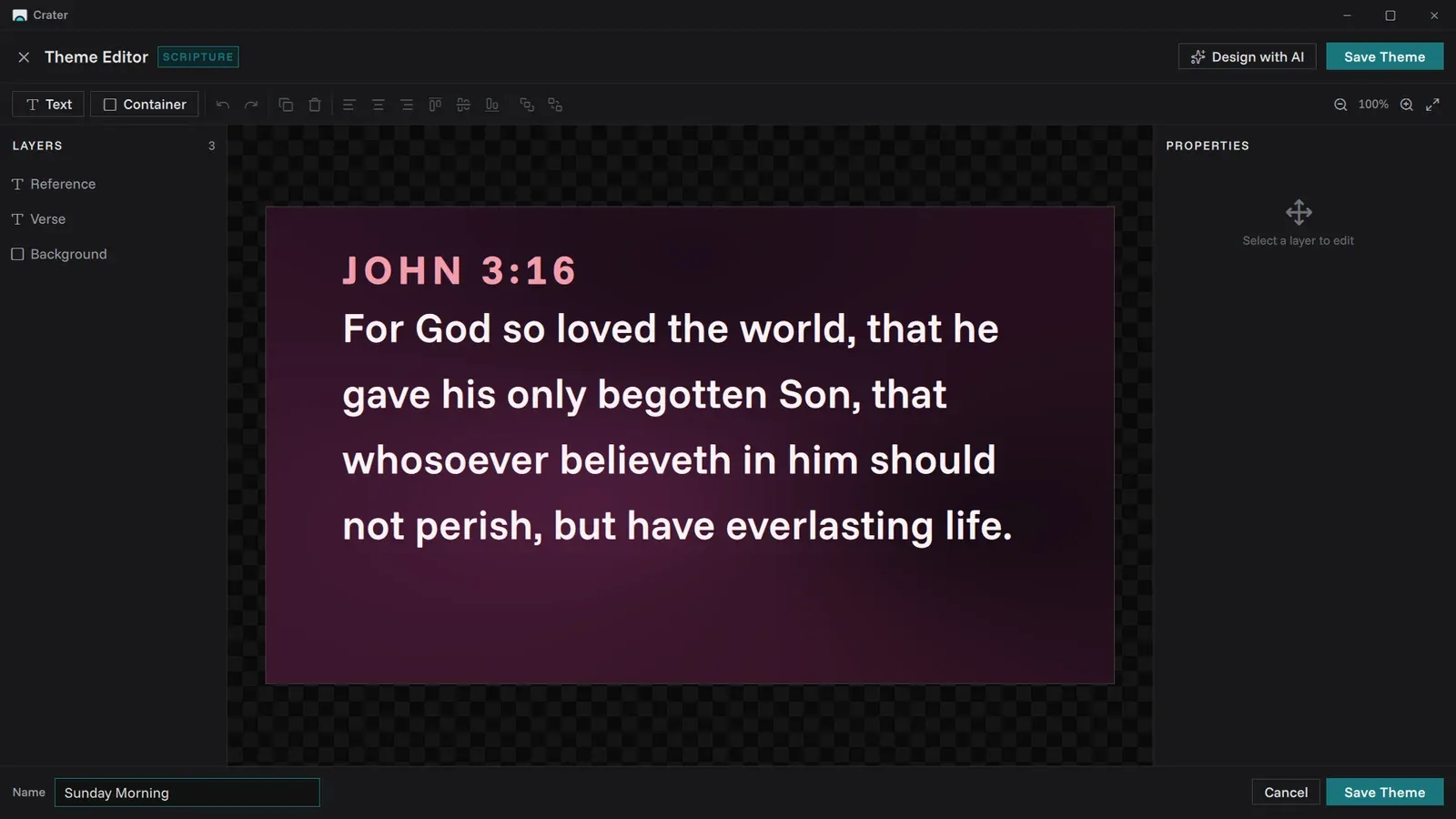
Backgrounds, fonts, colours and text position, set once and reused every week.
- Separate themes for songs, scripture and presentations.
- A default theme for each screen, so the stage and the lobby can look different.
- Export a theme as a single file and import one from another church.
Every week
The small things that make Sunday calm.
- Works fully offline. No accounts, no analytics and no tracking.
- The console speaks 21 languages and picks your computer's language by itself.
- Updates are checked against a published SHA-256 checksum, and nothing installs until you click.
- Updates keep your songs, themes, schedules, media and settings.
- Keyboard shortcuts for everything that matters mid-service.
Coming from EasyWorship
Bring every song with you.
Years of lyrics should not be retyped. Crater reads your EasyWorship library directly and keeps everything you entered.
FromEasyWorship 6 or 7
- Amazing GraceJohn Newton
- Blessed AssuranceFanny Crosby
- Come, Thou FountRobert Robinson
- Great Is Thy FaithfulnessThomas Chisholm
- Holy, Holy, HolyReginald Heber
- It Is Well with My SoulHoratio Spafford
- Rock of AgesAugustus Toplady
- What a Friend We Have in JesusJoseph Scriven
ToCrater
- Amazing GraceJohn NewtonV1 · C · V2
- Blessed AssuranceFanny CrosbyV1 · C · V2
- Come, Thou FountRobert RobinsonV1 · C · V2
- Great Is Thy FaithfulnessThomas ChisholmV1 · C · V2
- Holy, Holy, HolyReginald HeberV1 · C · V2
- It Is Well with My SoulHoratio SpaffordV1 · C · V2
- Rock of AgesAugustus TopladyV1 · C · V2
- What a Friend We Have in JesusJoseph ScrivenV1 · C · V2
EasyWorship 6 and 7
Point Crater at your song database and it does the rest.
Nothing left behind
Titles, authors, copyright and CCLI numbers come across with the words.
Ready to project
Lyrics are split into labelled verses and choruses on the way in.
No doubles
Songs you already have are spotted first, and you choose to skip them.
Something missing?
Tell us what your Sunday needs. Requests go straight to the people building Crater.