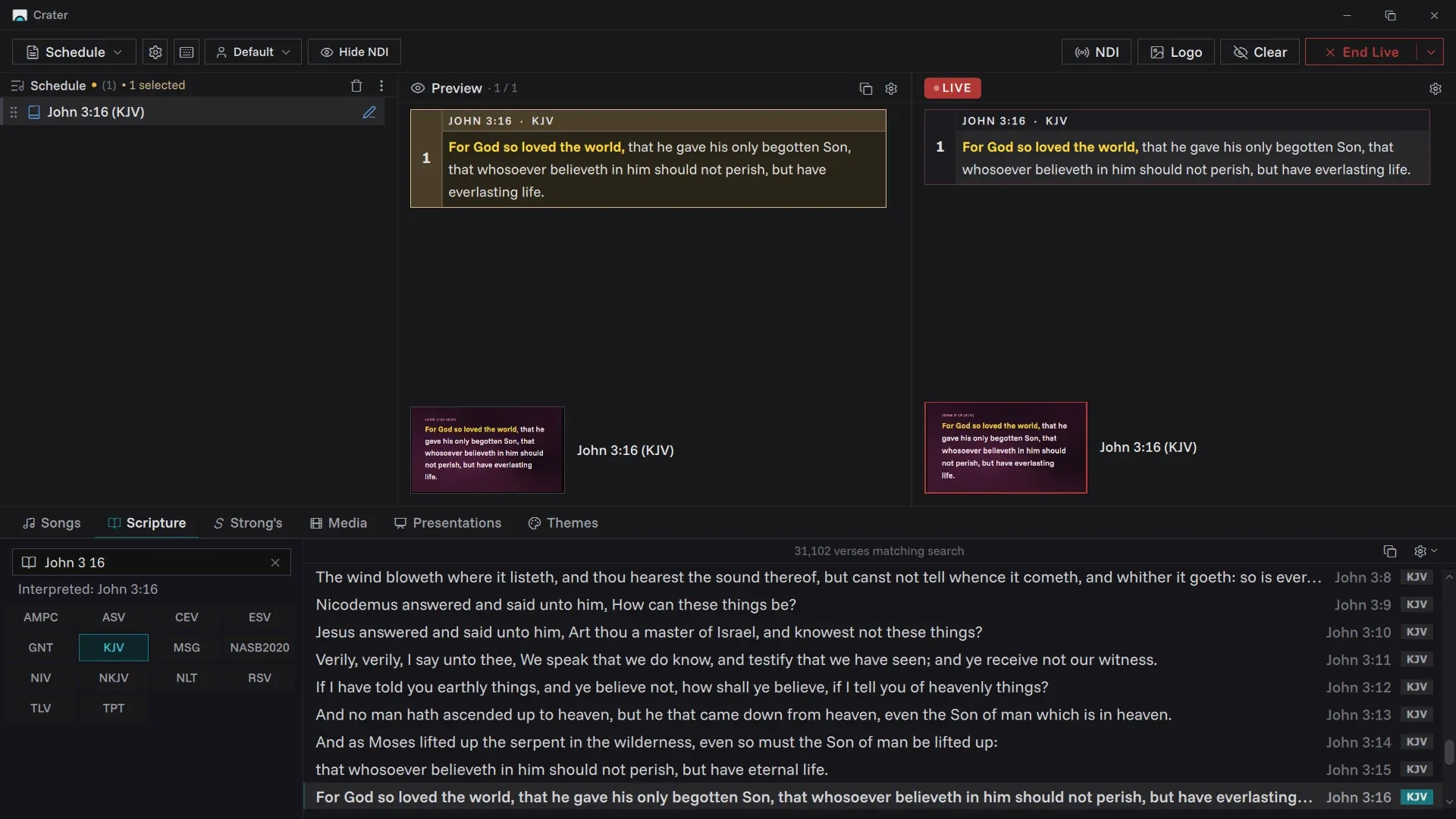
Find any verse as you type.
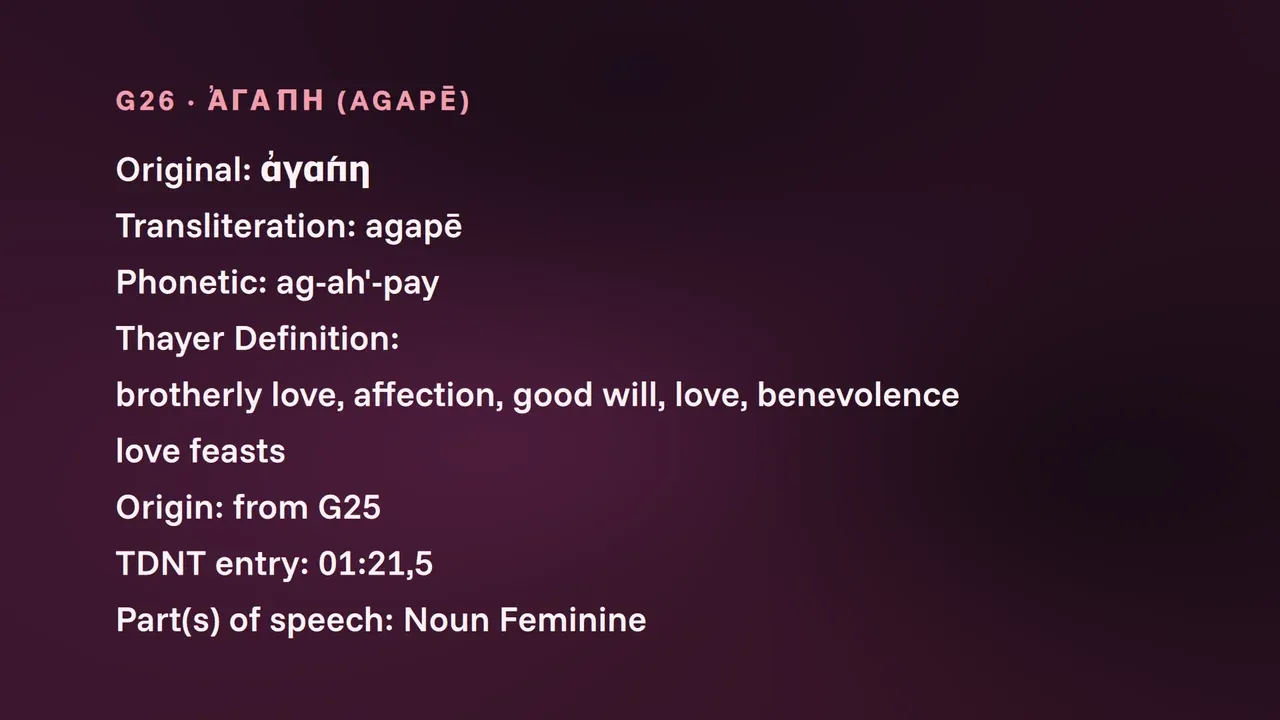
Type a reference, or a few words you remember. Crater reads "jn 3 16" and "for god so loved" the same way, across every translation you have. Strong's numbers are one tab away.
Instant searchMany translationsStrong's
Scripture, songs, media and sermon slides on the screen from one calm console. Free for every church, light enough for the laptop already in the booth.
No account. No trial. Nothing leaves the building.
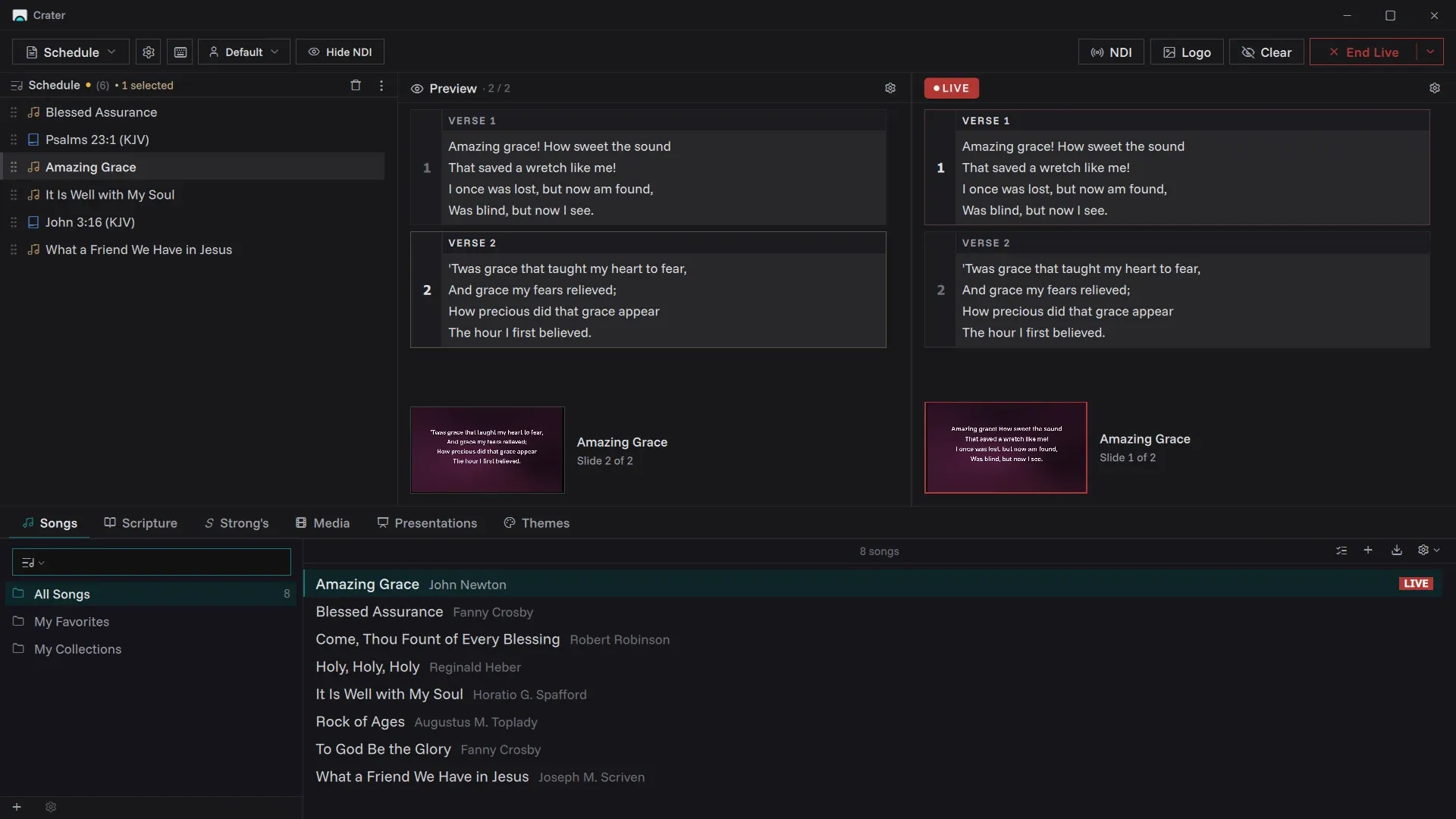
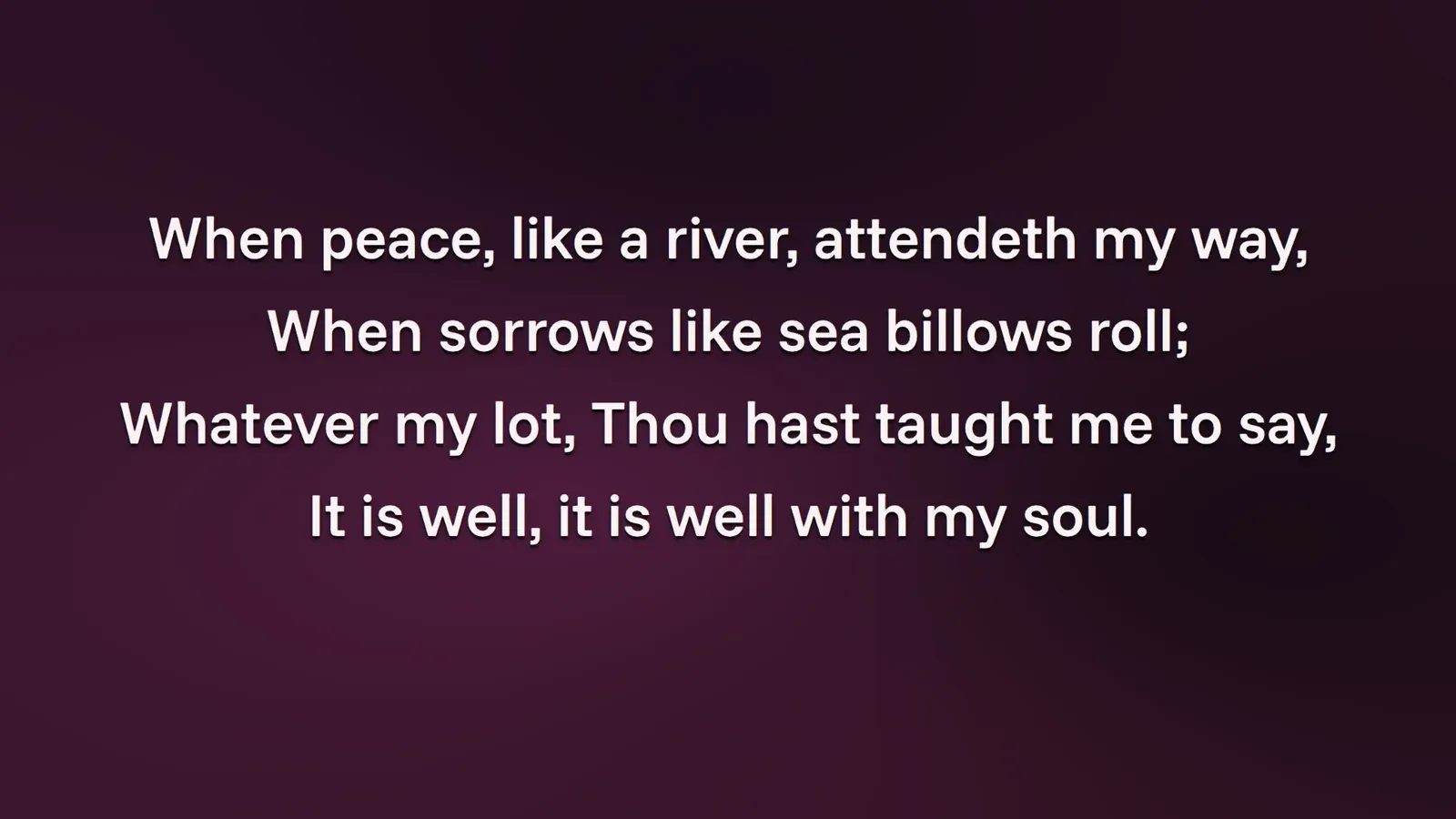
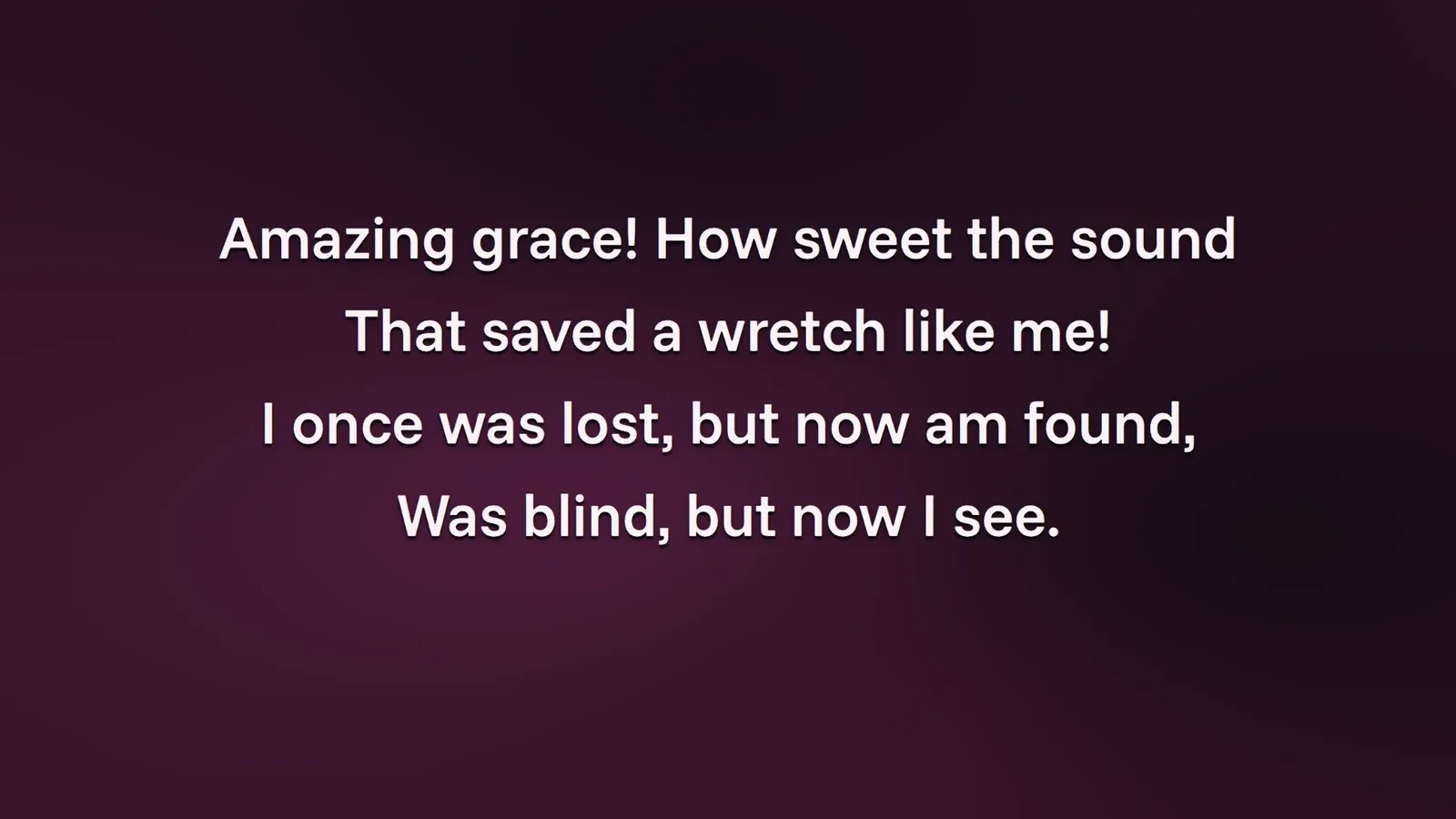 LIVE
LIVEWhat the room sees
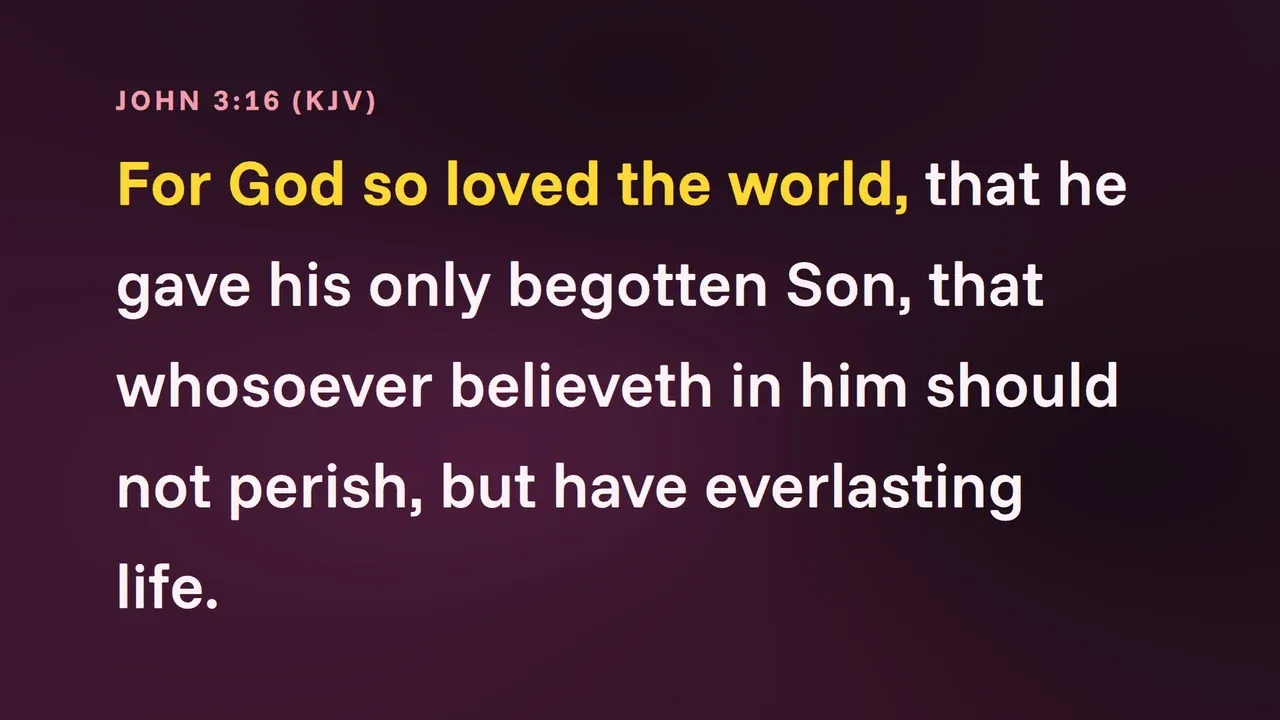
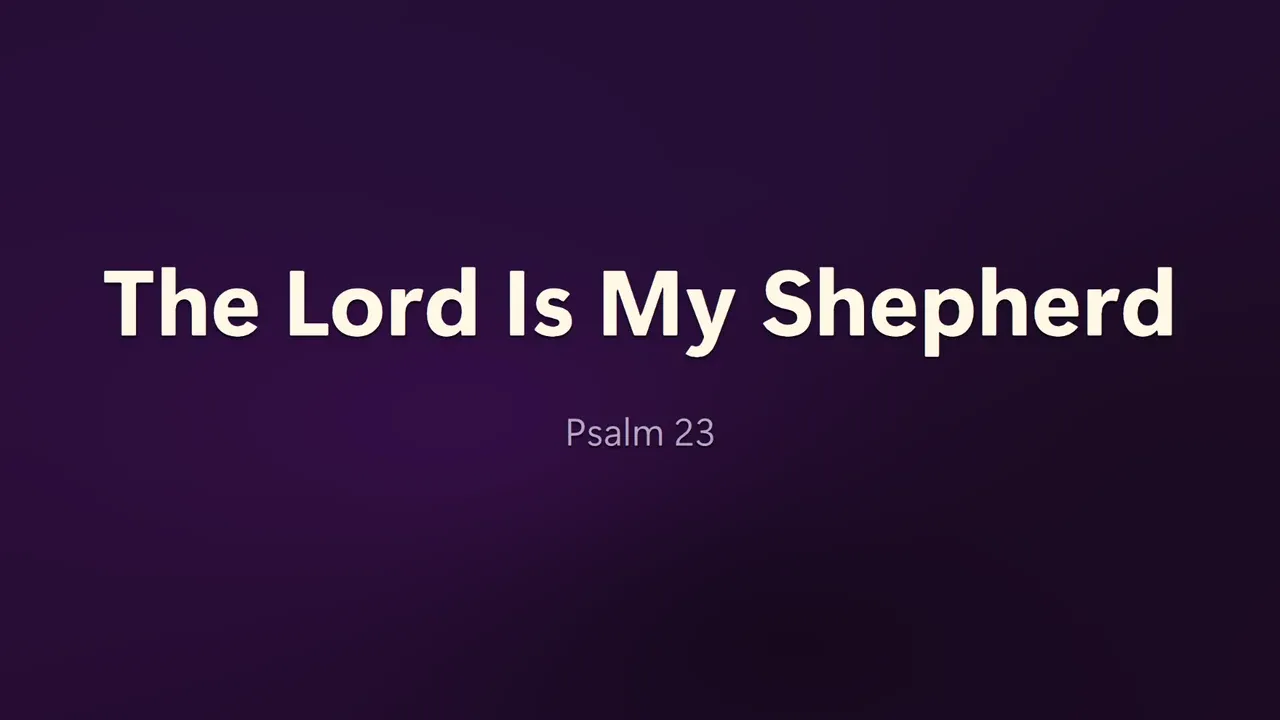
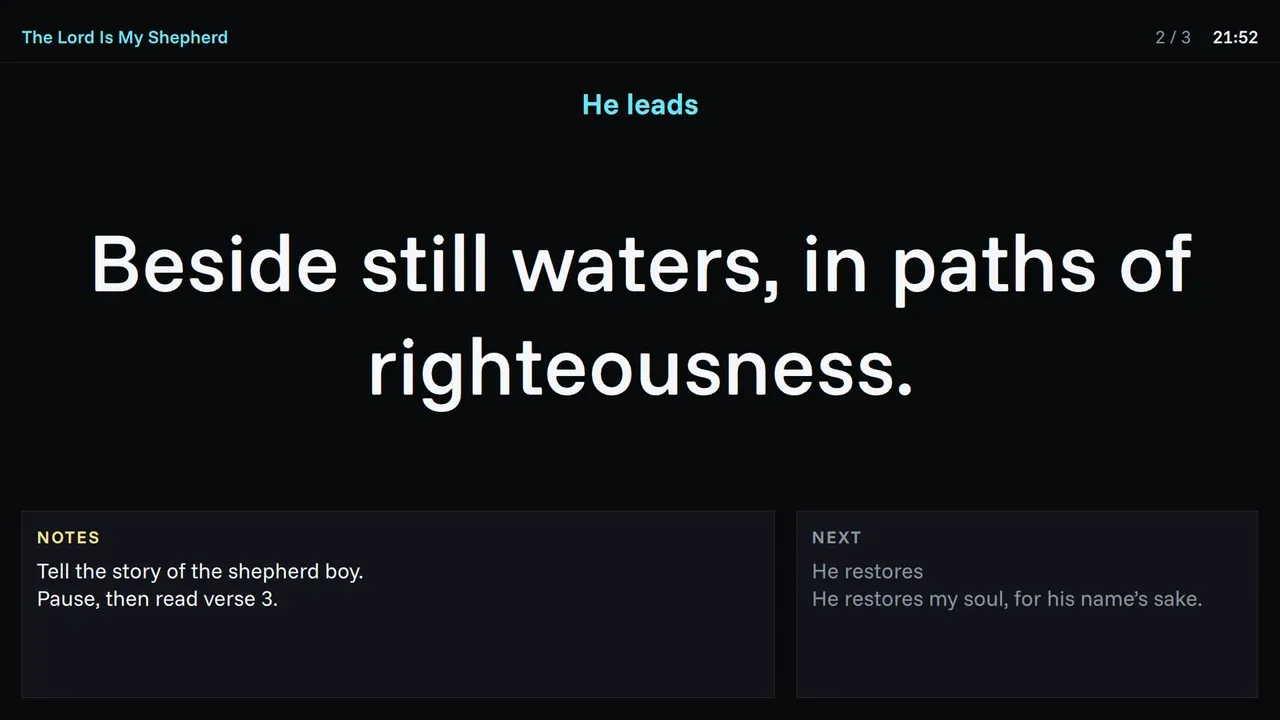
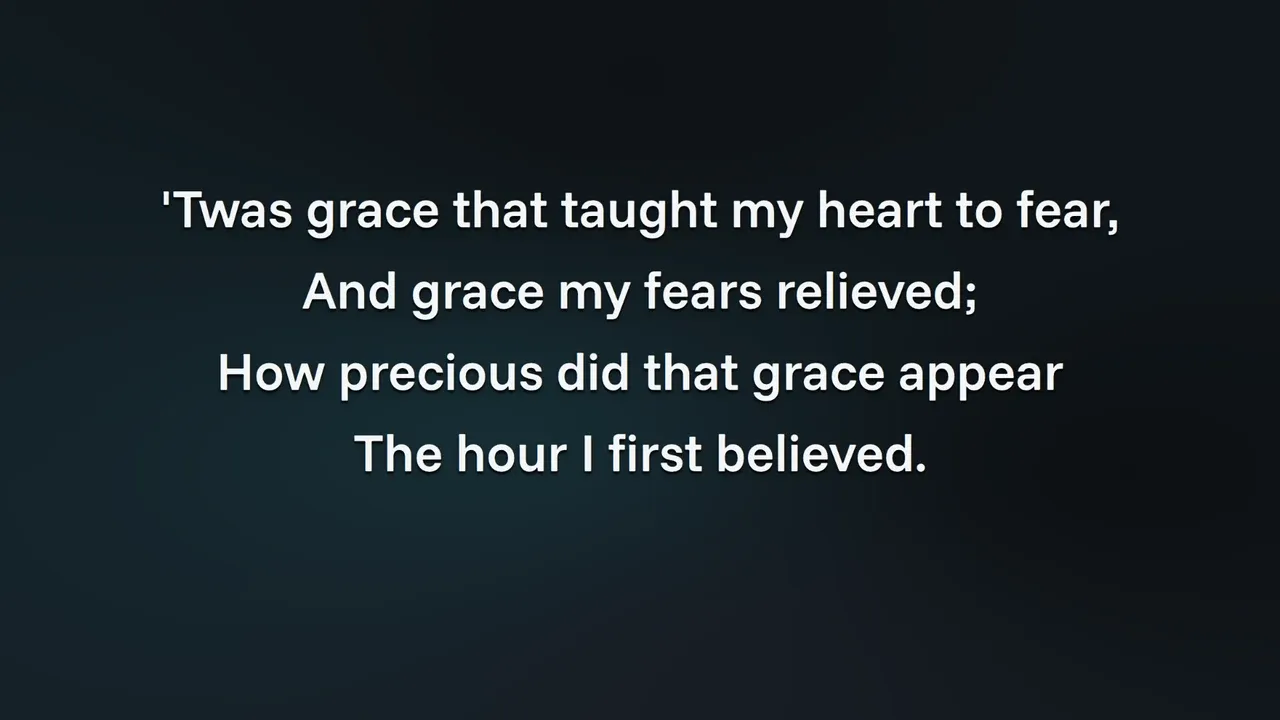
Real output from Crater, straight off the projector. No mockups, no retouching.
Everything a service needs
Type a reference, or a few words you remember. Crater reads "jn 3 16" and "for god so loved" the same way, across every translation you have. Strong's numbers are one tab away.
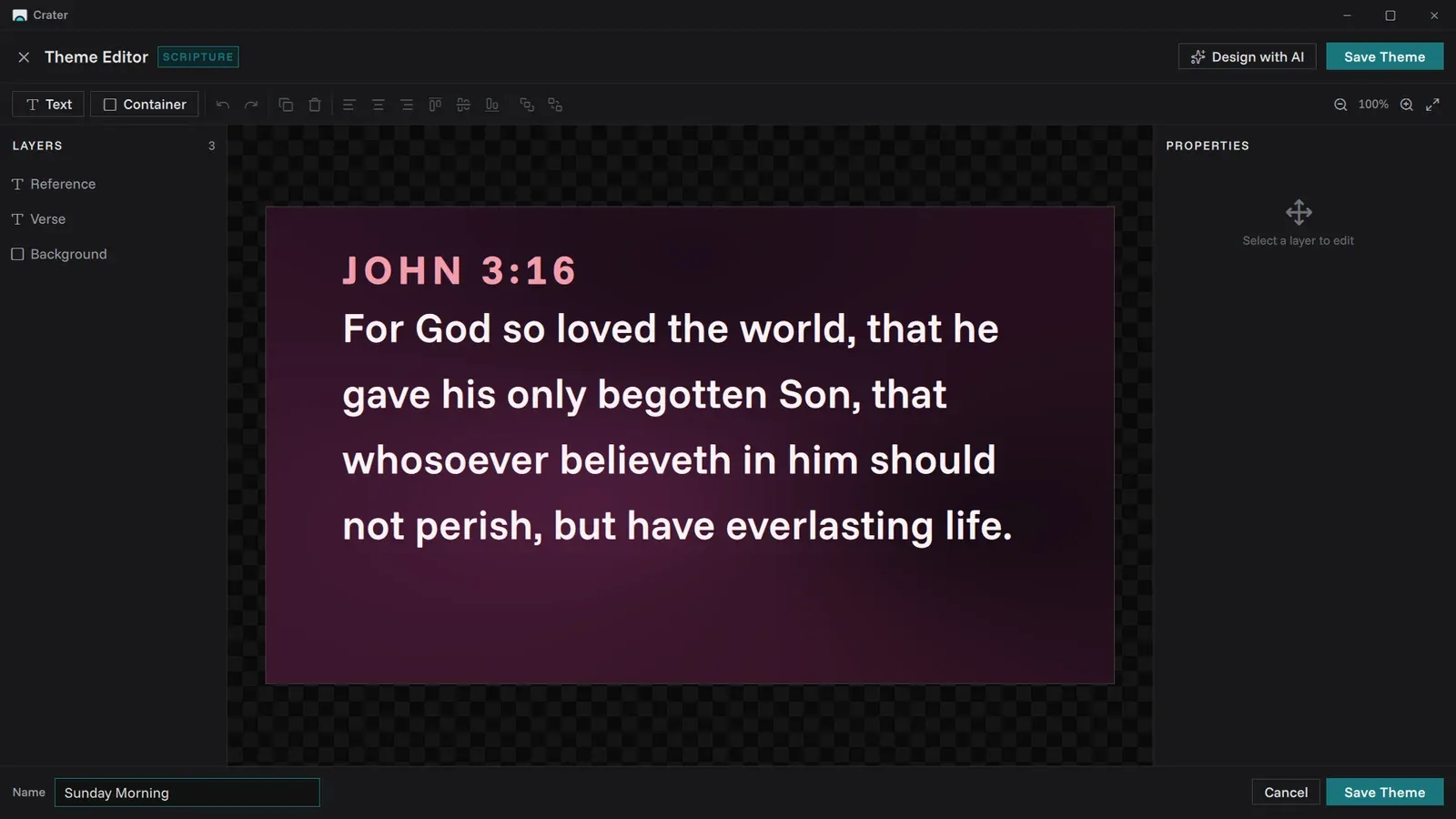
Fonts, colours and backgrounds with a live preview. Save it, reuse it every week, share it in one file.
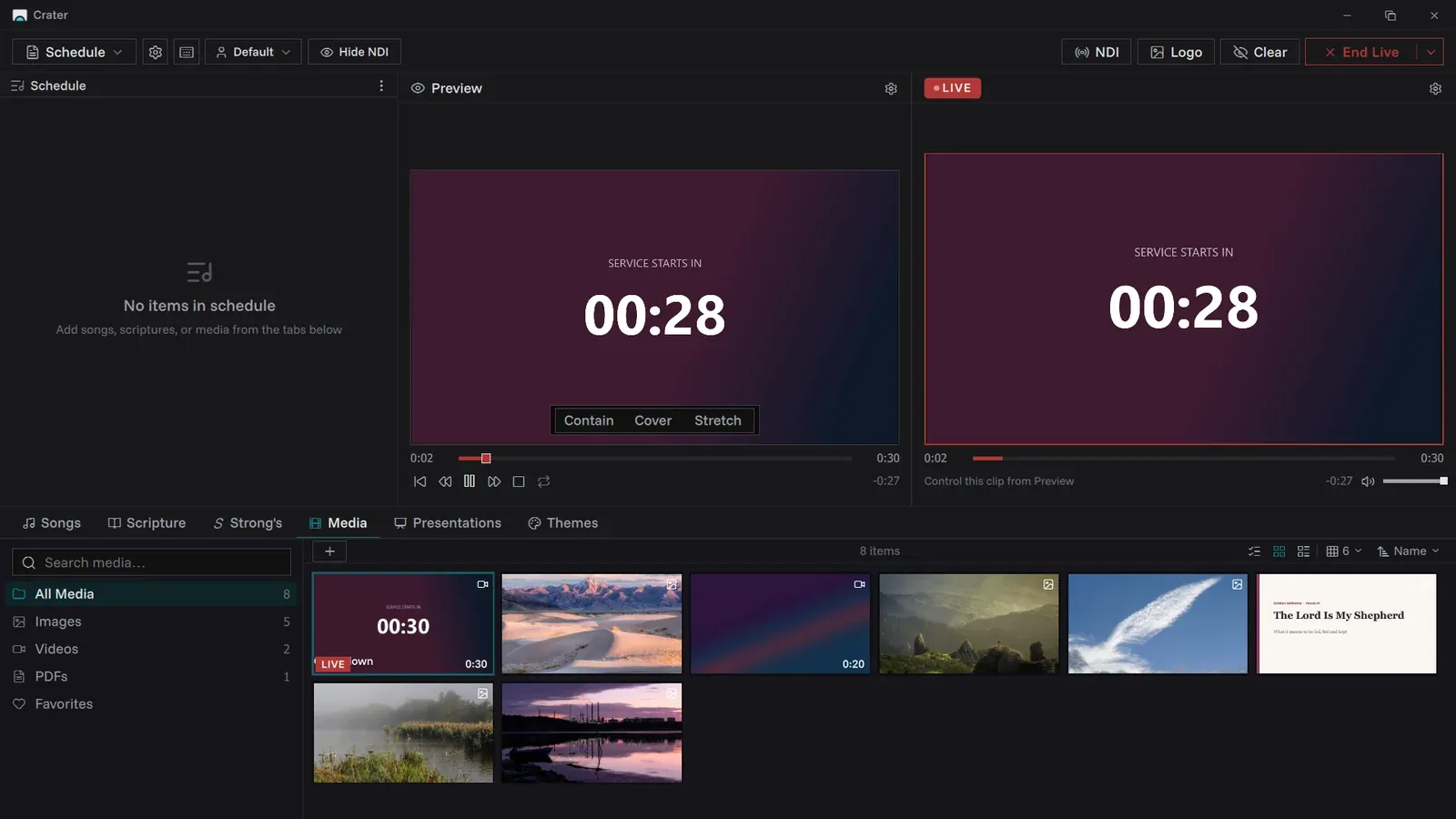
Videos, images and timers sit in the same schedule as your songs. Loop a background, count the room in.
Line up the next slide in gold while the room watches red. One key sends it.
Send the screen to OBS over NDI. No capture card, no second laptop.
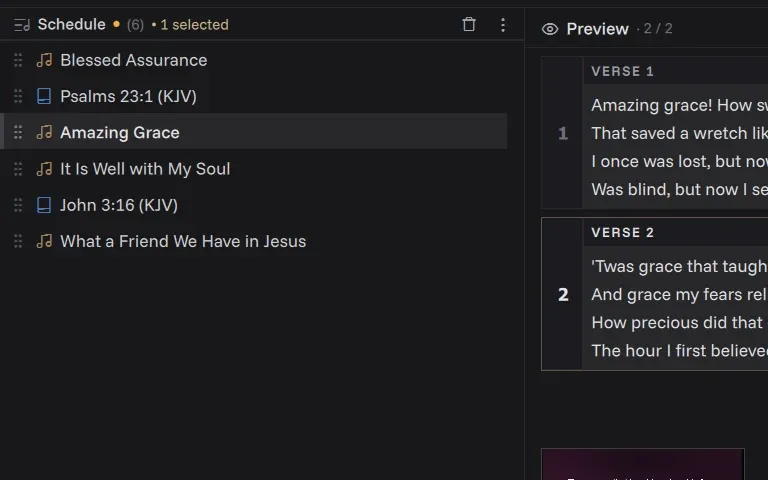
Songs, readings, slides and videos in one list. Drag to reorder, it saves as you go.
A Sunday with Crater
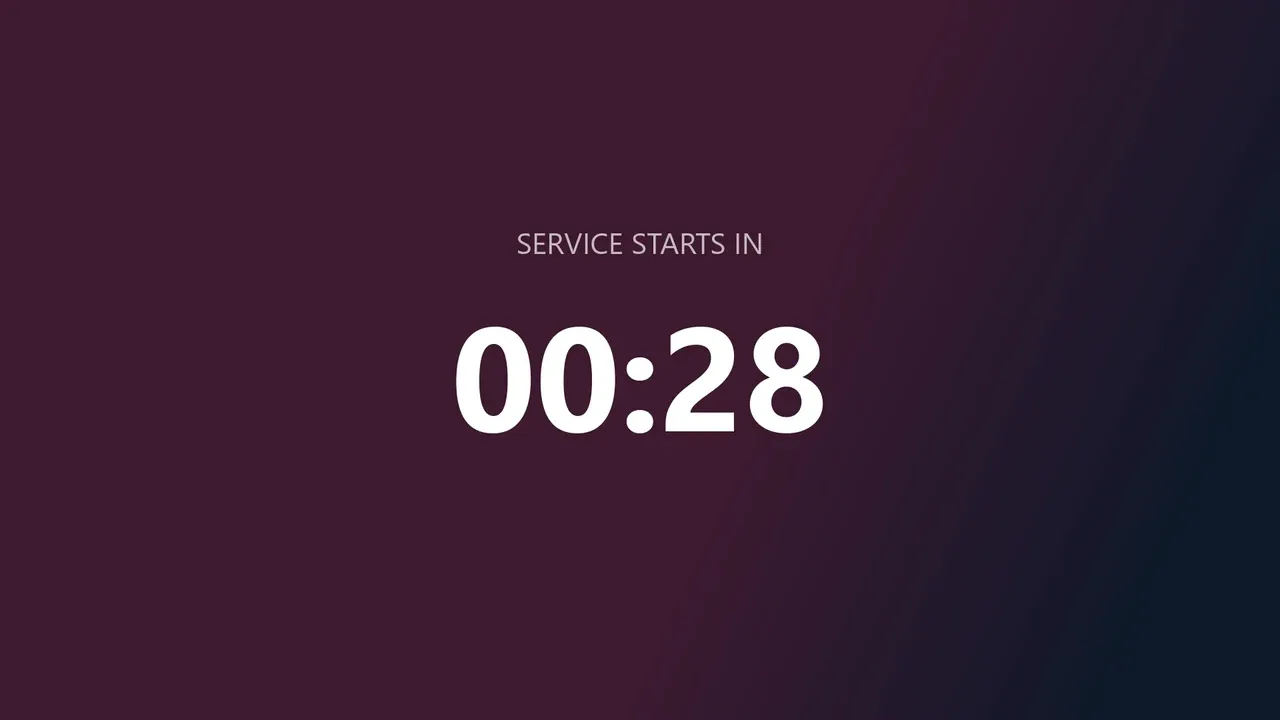
A timer counts the room in while people find their seats, and the stage display keeps the time for the band.
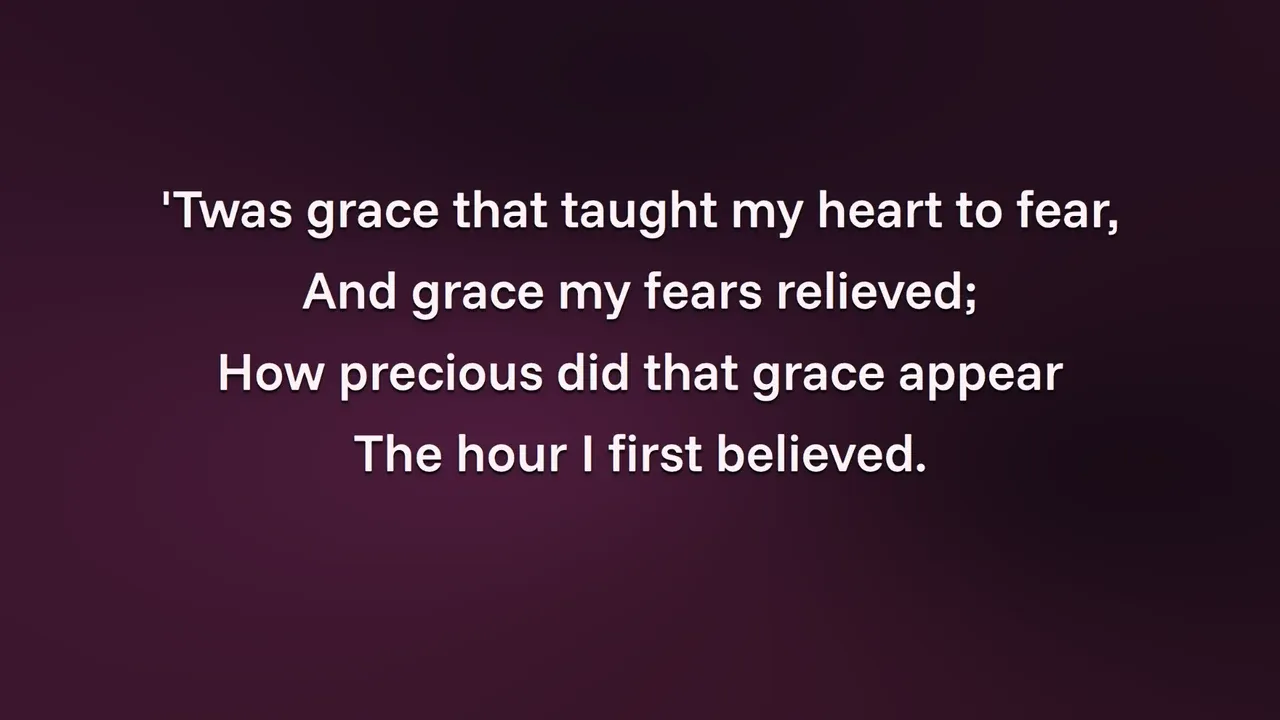
Lyrics go up verse by verse. When the leader goes back to the chorus, Page Up gets you there.
Type the reference as it is announced. The verse is on the wall before the reader reaches the pulpit.
Sermon slides sit in the same schedule, with scripture dropped in wherever the preacher turns.
One last song, then Ctrl+L puts the logo up while the room empties. The schedule saves as you go.
One laptop, every screen
Add as many outputs as you have screens. Each one mirrors the wall or becomes a stage view, and all of them change on the same key.
Full screen on the second display, with its own theme and transition.
Live text, speaker notes and what is next, with a clock for the band.
One NDI source for OBS and other streaming tools, with tally lights.
Open a local address in any browser on the Wi-Fi and the service follows.
Only one screen? Crater can show the output behind the console, the way EasyWorship does.
Themes
Crater ships with themes for songs, scripture and slides. Pick one and every slide follows. Make your own in the editor, or send one to the next church as a single file.
Keyboard first
Eyes on the stage, hands on the keys. Everything that matters on a Sunday is one or two keys away.
For God so loved the world, that he gave his only begotten Son, that whosoever believeth in him should not perish, but have everlasting life.
For God sent not his Son into the world to condemn the world; but that the world through him might be saved.
Blessed assurance, Jesus is mine! O what a foretaste of glory divine!
This is my story, this is my song, praising my Saviour all the day long.
Coming from EasyWorship
Years of lyrics should not be retyped. Crater reads your EasyWorship library directly and keeps everything you entered.
FromEasyWorship 6 or 7
ToCrater
Point Crater at your song database and it does the rest.
Titles, authors, copyright and CCLI numbers come across with the words.
Lyrics are split into labelled verses and choruses on the way in.
Songs you already have are spotted first, and you choose to skip them.
"Let the word of Christ dwell in you richly in all wisdom; teaching and admonishing one another in psalms and hymns and spiritual songs."
Learn it in an afternoon
Each one covers a single task in a few minutes. Hand the playlist to whoever runs the booth this week.
Open the channelOpen source
Every line of Crater is on GitHub. Read it, build it yourself, report a problem or send a fix. Nothing is held back for a paid version, because there isn't one.
What's new
Feature requests
Every church runs its Sunday a little differently. If Crater is missing something you need, tell us. Requests go straight to the people building it and shape what comes next.
Request a featureImport songs from ProPresenter, the way EasyWorship songs come across.
Something else on your mind? Read the docs or ask on GitHub.
Yes. Free to download and use on as many computers as you like, with no trial and no licence. The code is open source, so it belongs to the community rather than a company.
Almost certainly. Crater is built to feel quick on modest machines with 4 GB of RAM. If it runs Windows 10, it will very likely run Crater well.
No. If you can put together a slideshow you can run a service. The tutorial playlists walk through each task in a few minutes.
Yes. Crater sends its output over NDI, which OBS and most streaming tools already understand. No capture card needed.
Completely. No accounts, no tracking, no analytics. Your songs and services stay on your computer.
Pick your computer, run the installer, open your first service. That is the whole setup.
v0.7.6 · Other downloads and install help